
One queue. Everyone in the room.
Add your song, watch your real-time position, and get pinged when you're on deck, on next, and up. The host keeps the night moving, no clipboard required.
One live queue. Music on every phone, perfectly in sync. And a crowd that cheers you on. Karaoke that finally feels like a real show.
Android · iPhone & iPad (browser) · Desktop — the iOS app is on the way.
Four things working together so nobody's fumbling with a binder, paper, or shouting over the speakers.
Add your song, watch your real-time position, and get pinged when you're on deck, on next, and up. The host keeps the night moving, no clipboard required.
Find any track in seconds and save the ones you always come back to.
Your stats and cheers follow you wherever Qaoki plays.
The crowd shows love in real time. Best performers climb the leaderboard.
The DJ's player is the master clock. Every phone and the big screen show the same line at the same moment.
Four things working together so nobody's fumbling with a binder or shouting over the speakers.
Browse live and nearby events, RSVP, and head over to the venue.
Verify you're at the venue and unlock your cheers for the night.
Add a song, watch the queue, and sing your heart out when you're up.
Qaoki gives DJs and hosts a projected screen with synced lyrics, a live queue they control, prizes and cheers across every venue you run.
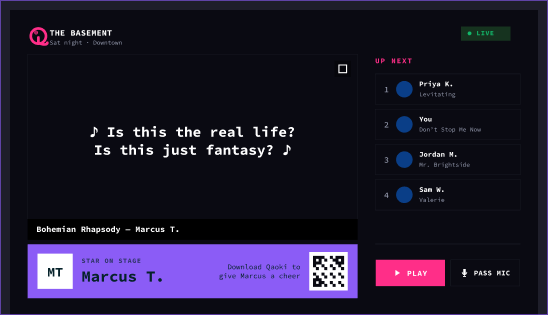
Every cheer counts. The crowd decides who's the star of the night.
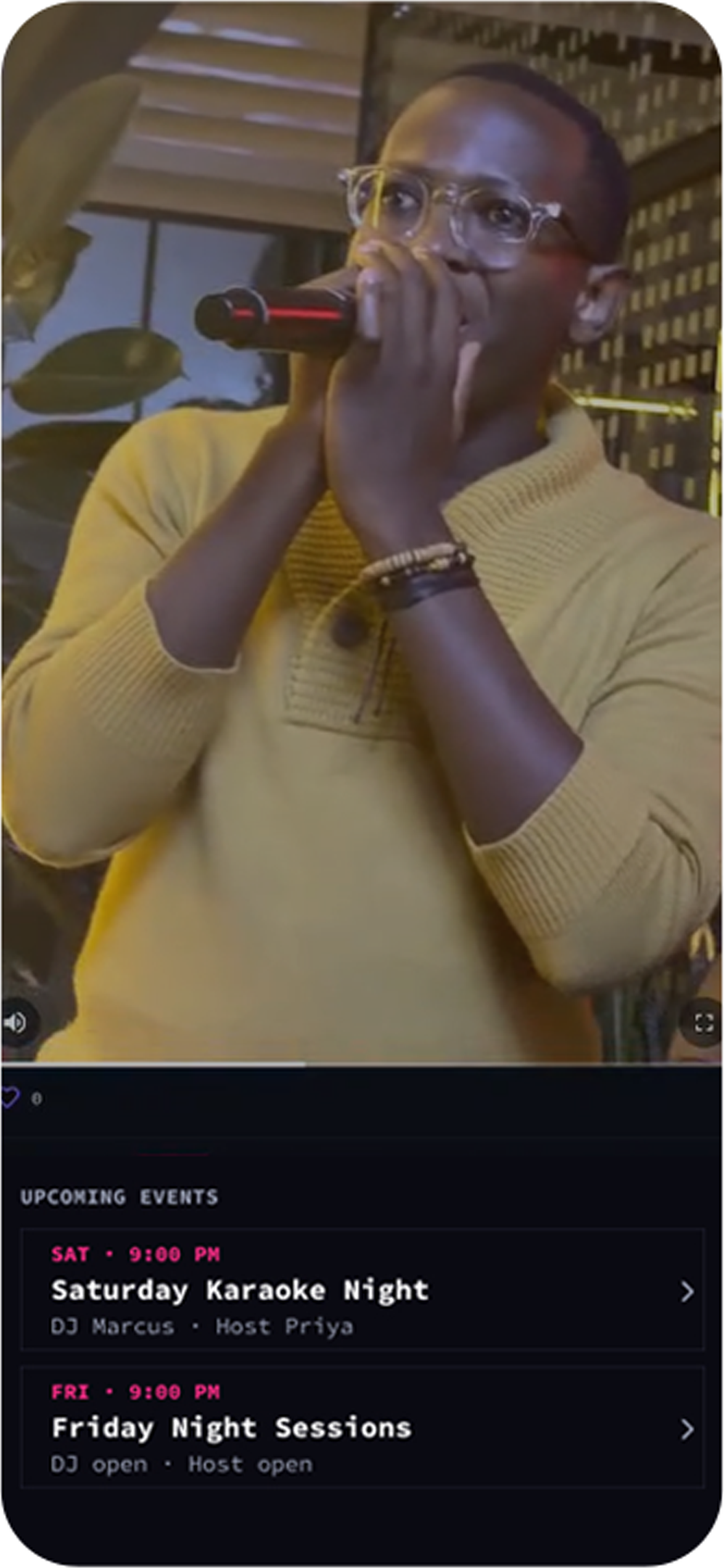
Take the mic and give the room a show worth cheering for.
The crowd sends cheers in real time when you bring the energy.
Top performers rise up the Stars leaderboard, night after night.
A real-time karaoke platform: one shared queue per room, lyrics synced to the screen, and a cheers economy — with one profile that works at every venue.
No. Singing is free at participating venues — just check in and add your song. Some venues may offer paid skips or premium requests, but the core night is on the house.
The DJ’s player is the master clock. Qaoki streams its position to the room, so the big screen and every phone show the same line at the same moment.
Cheers are how the crowd shows love. You get a balance to give at check-in; send them to singers you’re feeling, and the best performers climb the Stars leaderboard.
Only with consent. Recording and clips are opt-in, and you control whether your performance can be shared to the feed.
Anywhere a venue runs Qaoki. The app works on iOS, Android, and the web, and your profile follows you between venues.
Sign up for Venue Pro and we’ll set you up with the DJ screen, live queue controls, team roles, and everything you need to run the night.
Download Qaoki on Android, or add it to your Home Screen on iPhone, iPad and desktop. Same live queue, same cheers, same room.
Phone or tablet, Android 8 and up.
Get it on Google PlayAdd Qaoki to your Home Screen — one tap in Safari, just like a native app.
Mac, Windows or Linux — everything works in the browser too.
Open in your browserAn iOS build is on the way. Until it lands, adding to your Home Screen on iPhone and iPad is the same Qaoki — nothing held back.